
Table of Contents
ToggleIntroduction:
In today’s competitive digital landscape, UI/UX designers are expected to go beyond visual design. Mastery of the right tools enables designers to conduct research, build scalable systems, prototype effectively, and collaborate with cross-functional teams.
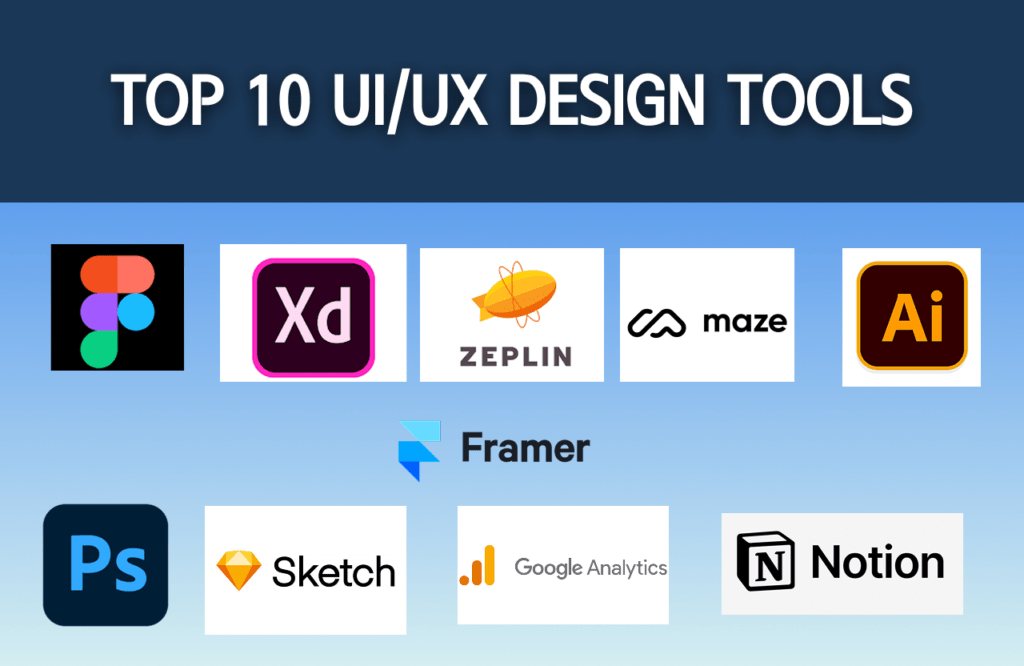
Below are the 10 essential tools every aspiring professional UI/UX designer should know.
1.Figma – Industry Standard for UI Design & Prototyping
Figma is currently the most widely used UI design tool.
Why it matters:
- Real-time collaboration
- Component-based design systems
- Auto layout & responsive design
- Developer handoff features
2. Adobe XD – UI/UX Design & Interaction Prototyping
Adobe’s XD is useful for:
- Interactive prototypes
- Design systems
- Voice prototyping
While Figma dominates, XD knowledge is still valuable.
3. Sketch – macOS-Based UI Tool
Sketch is popular in many startups and design teams.
- Strong plugin ecosystem
- Lightweight interface
- Great for UI systems
4. Miro – UX Research & Collaboration
Miro helps designers:
- Conduct user journey mapping
- Brainstorm features
- Run workshops
- Create empathy maps
Professional UX requires structured thinking — not just UI screens.
5. Notion – Documentation & UX Planning
Notion is useful for:
- Case study documentation
- Research storage
- UX process tracking
- Content structuring
Good designers document everything.
6.Maze – Usability Testing Platform
Maze allows:
- Prototype testing
- User feedback collection
- Task success measurement
Professionals validate before launching.
7. Google Analytics – Understanding User Behavior
Google Analytics helps designers:
- Track user flow
- Analyze drop-off points
- Measure engagement
UX is data-driven, not assumption-driven.
8. Framer – Advanced Prototyping & Interaction
Framer is useful for:
- Advanced animations
- High-fidelity interactive prototypes
- No-code websites
Great for portfolio-level interactions.
9. Zeplin – Developer Handoff Tool
Zeplin bridges the gap between designers and developers.
- Style guides
- Asset export
- CSS specs
Professional designers collaborate effectively with developers.
10. Adobe Photoshop / Illustrator – Visual Asset Creation
Adobe tools are still relevant for:
- Image editing
- Icon creation
- Branding assets
- Marketing visuals.
Conclusion:
Becoming a professional UI/UX designer is not about mastering every tool — it’s about understanding:
- When to use which tool
- How tools support user-centered design
- How to integrate them into a structured workflow.
Tools evolve. Design thinking stays.




