

Shell commands are the backbone of DevOps. Whether you’re troubleshooting a production issue, automating deployments, or managing infrastructure, your efficiency often comes down to how well you can wield the command line.
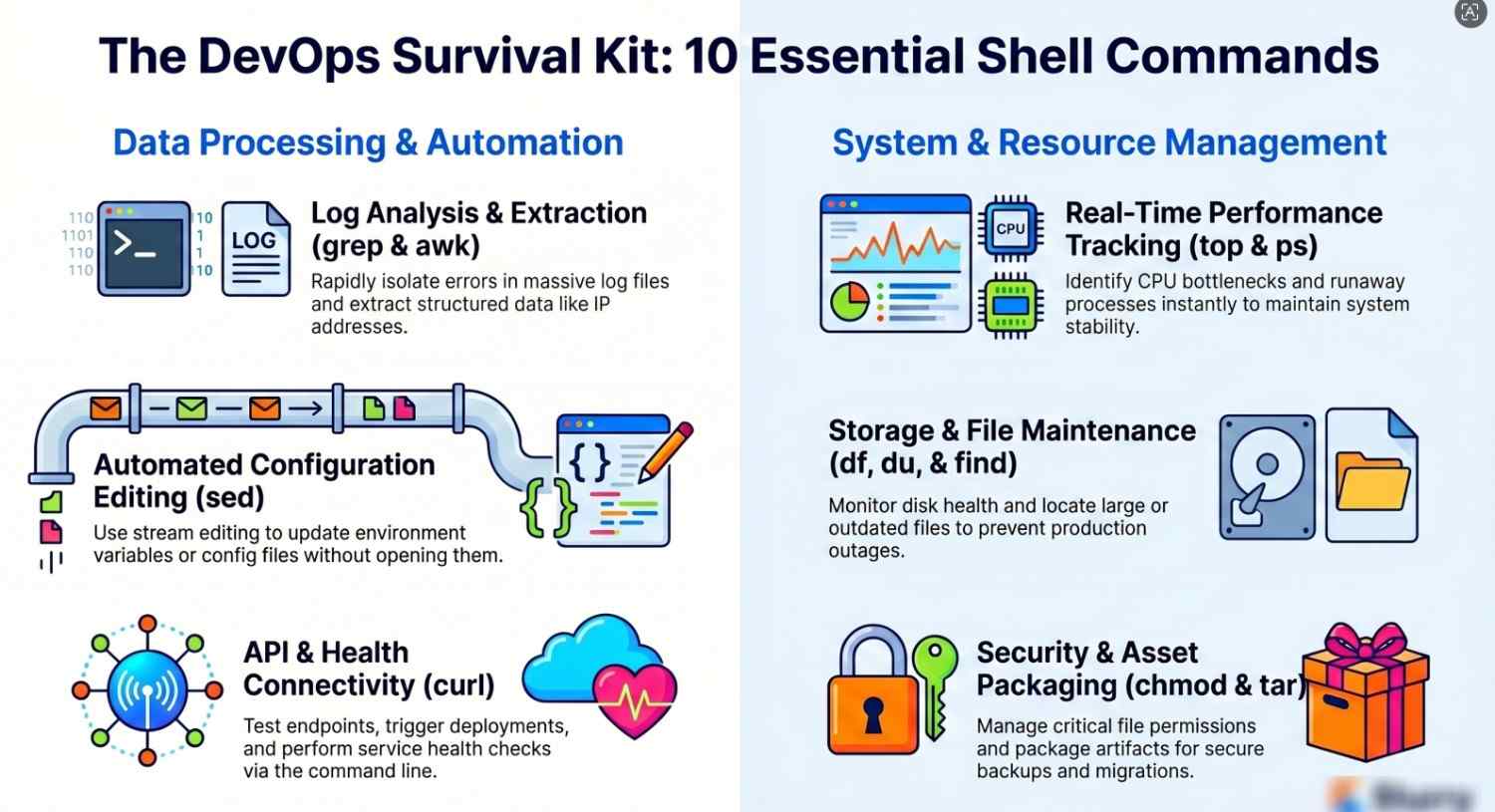
This guide walks through 10 essential shell commands every DevOps engineer should master not just what they do, but how to actually use them in real-world scenarios.
1. grep — Search Like a Pro
At its core, grep searches for patterns in text. In DevOps, it’s your go-to for filtering logs and extracting useful information quickly.
Why it matters:
Logs grow fast. You need to pinpoint issues without scanning thousands of lines manually.
Example:
grep "ERROR" app.log
Advanced usage:
grep -i “failed” app.log # Case insensitive grep -r “timeout” /var/log/ # Recursive search grep -v “DEBUG” app.log # Exclude matchesReal-world use case:
You’re debugging a failing service grep helps isolate error messages instantly.
2. awk — Powerful Text Processing
awk is a mini programming language for pattern scanning and processing.
Why it matters:
You often deal with structured text like logs, CSVs, or command outputs.
Example:
awk ‘{print $1}’ access.logPractical use:
Extract IP addresses from logs:
awk ‘{print $1}’ access.log | sort | uniq -c | sort -nrReal-world use case:
Analyzing traffic patterns or identifying suspicious activity.
3. sed — Stream Editor
sed edits text on the fly without opening a file.
Why it matters:
Great for automating file updates, especially config changes.
Example:
sed ‘s/old_value/new_value/’ config.txtIn-place editing:
sed -i ‘s/8080/9090/g’ config.txtReal-world use case:
Updating environment variables or configuration files during deployment.
4. curl — API Testing & Data Transfer
curl is used to send HTTP requests and interact with APIs.
Why it matters:
DevOps engineers constantly work with APIs cloud services, microservices, monitoring tools.
Example:
curl https://api.example.com/healthPOST request:
curl -X POST -H “Content-Type: application/json” \ -d ‘{“name”:”test”}’ https://api.example.com/usersReal-world use case:
Health checks, triggering deployments, or testing endpoints.
5. find — Locate Files Efficiently
find helps you search files based on name, size, type, or time.
Why it matters:
Servers can have millions of files. You need precise control.
Example:
find /var/log -name “*.log”Advanced:
find / -type f -size +100M find . -mtime -7 # Modified in last 7 daysReal-world use case:
Cleaning up large or old files to free disk space.
6. top / htop — Monitor System Resources
top shows real-time system usage (CPU, memory, processes).
Why it matters:
You need to identify performance bottlenecks instantly.
Example:
top
Better alternative:
htop
Real-world use case:
Detecting runaway processes or high CPU usage during incidents.
7. df and du — Disk Usage Insights
These commands help you monitor storage.
Why it matters:
Disk space issues are one of the most common production problems.
Examples:
df -h # Disk space overview du -sh * # Folder sizesReal-world use case:
Quickly identifying which directory is consuming space.
8. tar — Archive and Compress Files
Used for packaging files for backup or transfer.
Why it matters:
Backups, deployments, and artifact storage rely on compression.
Example:
tar -czvf backup.tar.gz /dataExtract:
tar -xzvf backup.tar.gzReal-world use case:
Creating backups before deployments or migrations.
9. chmod & chown — Permissions Management
These commands control file access.
Why it matters:
Security and proper access control are critical in production systems.
Examples:
chmod 755 script.sh chown user:group file.txtReal-world use case:
Fixing permission issues that break applications or scripts.
10. ps — Process Management
ps shows running processes.
Why it matters:
You need visibility into what’s running on your system.
Example:
ps auxCombine with grep:
ps aux | grep nginxReal-world use case:
Finding and killing problematic processes.
Bonus: Command Chaining & Pipes
The real power of shell scripting comes from combining commands.
Example:
cat access.log | grep “404” | awk ‘{print $1}’ | sort | uniq -c | sort -nrWhy it matters:
You can build powerful one-liners to solve complex problems quickly.
Putting It All Together: A DevOps Scenario
Imagine a production issue:
- Users report slow performance
- Logs are massive
- CPU usage is high
Step-by-step:
- Check system load: top
- Find heavy processes: ps aux –sort=-%cpu | head
- Analyze logs: grep “ERROR” app.log
- Extract patterns: awk ‘{print $5}’ app.log | sort | uniq -c
- Clean up disk: du -sh * | sort -hr
This workflow demonstrates how these commands work together in real-world troubleshooting.
Best Practices for DevOps Engineers
1. Combine commands
Don’t rely on single commands chain them for efficiency.
2. Write reusable scripts
Turn repetitive commands into scripts.
3. Use aliases
Save time with shortcuts:
alias ll='ls -la'
4. Test before production
Always validate commands in a safe environment.
5. Learn man pages
man grep
They’re more useful than most people think.
Final Thoughts
Mastering these shell commands isn’t just about memorization it’s about understanding how to use them under pressure.
In DevOps, speed and accuracy matter. The faster you can diagnose issues, automate tasks, and manage systems, the more valuable you become.
Start small:
- Practice daily
- Use these commands in real scenarios
- Gradually combine them into scripts
Over time, the command line will feel less like a tool and more like an extension of how you think.




